How to turn listing photos into a video
Pick 6 to 8 listing photos, put them in walking order (front exterior first), give each one a caption of four words or fewer, hold each for 2 to 3 seconds with a slow zoom, open on the address and price, add music, and export 1080 x 1920. You can do it free in about three minutes with the Reelhouse listing video maker, or by hand in Canva or CapCut in 20 to 40 minutes.
Do it in three minutes
- Open reelhouse.io/listing-video and paste your listing link from your brokerage or agent site. If the listing is only on Zillow, Realtor.com or Redfin, choose "upload your photos instead", since those sites block automated readers.
- Check the address and the price line ("$489,000 · 4 bed · 2.5 bath").
- Tap 3 to 8 photos in the order they should play. The number on each photo is its slot.
- Optional: type one caption per line, in the same order as the photos.
- Press Make my free video and keep the tab open. Download the MP4 when it finishes.
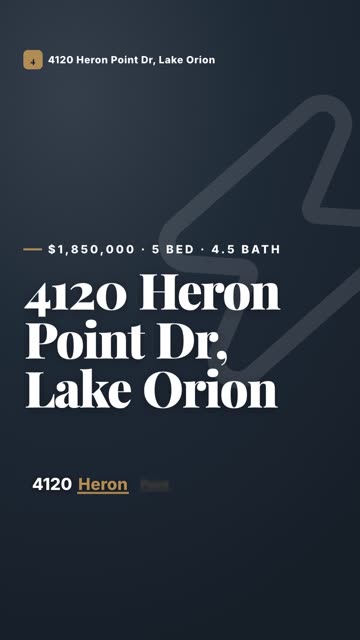
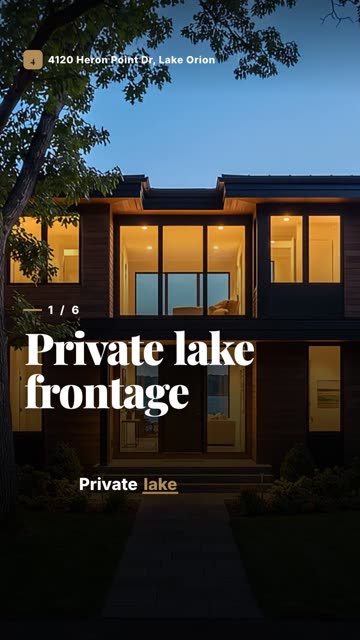
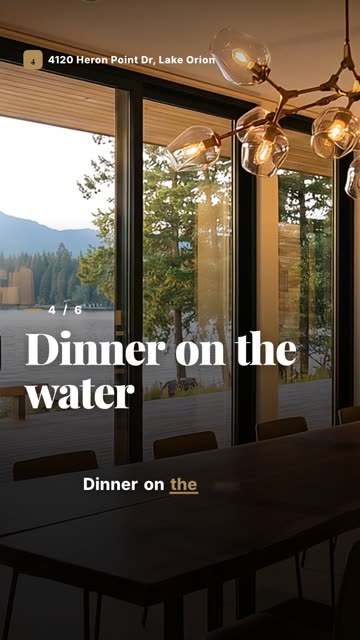
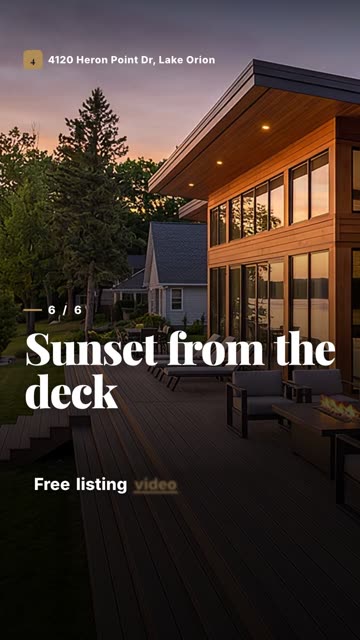

Which photos to pick
A listing shoot often returns 25 to 40 photos. A 20 to 30 second video has room for about eight. Use the ones that answer a buyer's first questions:
- Front exterior (the photo that is already your MLS cover)
- Main living space
- Kitchen
- Primary bedroom
- Primary bath, if it's been updated
- The feature that sets the home apart: view, yard, pool, workshop, lake, finished basement
- Rear exterior or the yard
- A twilight or aerial shot, if you have one
Leave out hallways, laundry rooms, secondary bedrooms that look alike, and anything that needs explaining. Horizontal photos get cropped to the middle third in a vertical video, so pick shots where the subject sits near the center.
Captions that work
| Photo | Caption that works | Caption that doesn't |
|---|---|---|
| Kitchen | Quartz island, seats six | Stunning chef's dream kitchen |
| Yard | Half-acre, fenced | Your private oasis awaits |
| Primary | Primary suite, walk-in | Retreat in luxury |
| Basement | Finished lower level | So much space! |
Facts read faster than adjectives, and they match what the viewer sees. Keep each to one line on a phone screen: about 25 characters.
Doing it by hand
- Canva: start from a "Mobile Video" design (1080 x 1920), one page per photo, page duration 2.5 seconds. Full steps in the Canva guide.
- CapCut: new project, add photos in order, set each clip to 2.5 seconds, aspect ratio 9:16, apply a slow zoom to each, add text, export 1080p.
- iMovie: builds 16:9 by default, so it suits YouTube and your website more than Reels.
- Instagram or TikTok templates: fast, but text placement is fixed and business accounts get a smaller music library.
Export settings
| Size | 1080 x 1920 (9:16) for Reels, TikTok, Shorts |
|---|---|
| Frame rate | 30 fps |
| Format | MP4 (H.264) |
| Length | 15 to 30 seconds for 6 to 8 photos |
| Safe area | Keep text out of the bottom fifth and the right edge, where the app puts its buttons and caption |
No photos yet? Start with how to take listing photos. Want motion between rooms? See the walkthrough video guide.
Questions
How do I turn listing photos into a video for free?
Use the free Reelhouse listing video maker at reelhouse.io/listing-video. Paste your listing link or upload 3 to 8 photos, check the address and price, tap the photos in the order they should play, and it makes a vertical video in about three minutes. No account. You can also do it by hand in Canva, CapCut or iMovie.
How many photos should a listing video have?
Six to eight for a 15 to 30 second social video. Each photo needs 2 to 3 seconds on screen so people can read its caption, so more photos means a longer video that fewer people finish.
Can I use the photographer's listing photos in a video?
Usually yes for marketing that listing, but it depends on the license in your photography agreement. Many real estate photographers license photos to the listing agent for marketing that property only. Check the agreement before using them for anything else, such as your own brand ads after the sale.
Which apps turn photos into a real estate video?
Free listing tools like the Reelhouse listing video maker do it from a link. General editors like Canva, CapCut and iMovie let you build it by hand with templates. Instagram and TikTok also have photo-to-video templates inside the app, though their music library may be limited on business accounts.
Why does my listing video look blurry on Instagram?
Usually the export was smaller than 1080 x 1920 or the photos were cropped hard from a horizontal original. Export at 1080 x 1920, and pick photos where the main feature sits near the middle of the frame, since a vertical crop keeps only the middle third of a horizontal photo.
Have the photos already?
Turn them into a listing video now. Free, about three minutes.